Newsletter overload: keep the reading, lose the clutter
You chose most of your newsletters, so unsubscribing from all of them is not the answer. Give them their own place, stop counting them as unread, and let old issues expire.
You subscribed to each newsletter for a reason. One writer explains your industry well. One shop sends offers you sometimes use. One is a weekly summary you enjoy on Sunday.
Together they are a problem. Twenty issues arrive each week, mixed in with mail from people, and every one adds to a number beside the word “Inbox”. You start to delete them unread, and you feel a little guilty each time.
The problem is the place, not the newsletters
A newsletter asks for something different from other mail. A message from a colleague asks for an answer. A newsletter asks for ten minutes of attention, at a time you choose. It never needs a reply.
When both kinds of mail share one list, the newsletter gets treated like a task. It shows as unread and pushes real conversations down the list. That makes it feel like a debt.
Unsubscribing removes the newsletters you do not want. It does nothing for the ones you do want, which are still in the wrong place.
Four changes that fix it
1. Remove what you have not opened in a month. Sort by sender and look at the last four issues of each newsletter. If you opened none, unsubscribe. Use the unsubscribe control your mail app shows at the top of the message when there is one.
2. Give reading its own place. Newsletters belong somewhere separate from the list where you answer people. A filter and a label can do this in most mail apps. The important part is that newsletters skip the inbox completely.
3. Stop counting. An unread count makes sense for conversations. For reading, it only creates pressure. Turn off the count and the notifications for the place where newsletters go.
4. Let old issues expire. A newsletter from six weeks ago will not be read. Decide on an age, such as one month, and delete everything older. Nothing of value is lost, and the pile stops growing.
Subscribe with an address made for it
When you sign up for a new newsletter, give it an address that is not your main one. If the list is sold, or the sender ignores your request to unsubscribe, you can close that one address and nothing else changes. See One address per shop.
In Kistrl
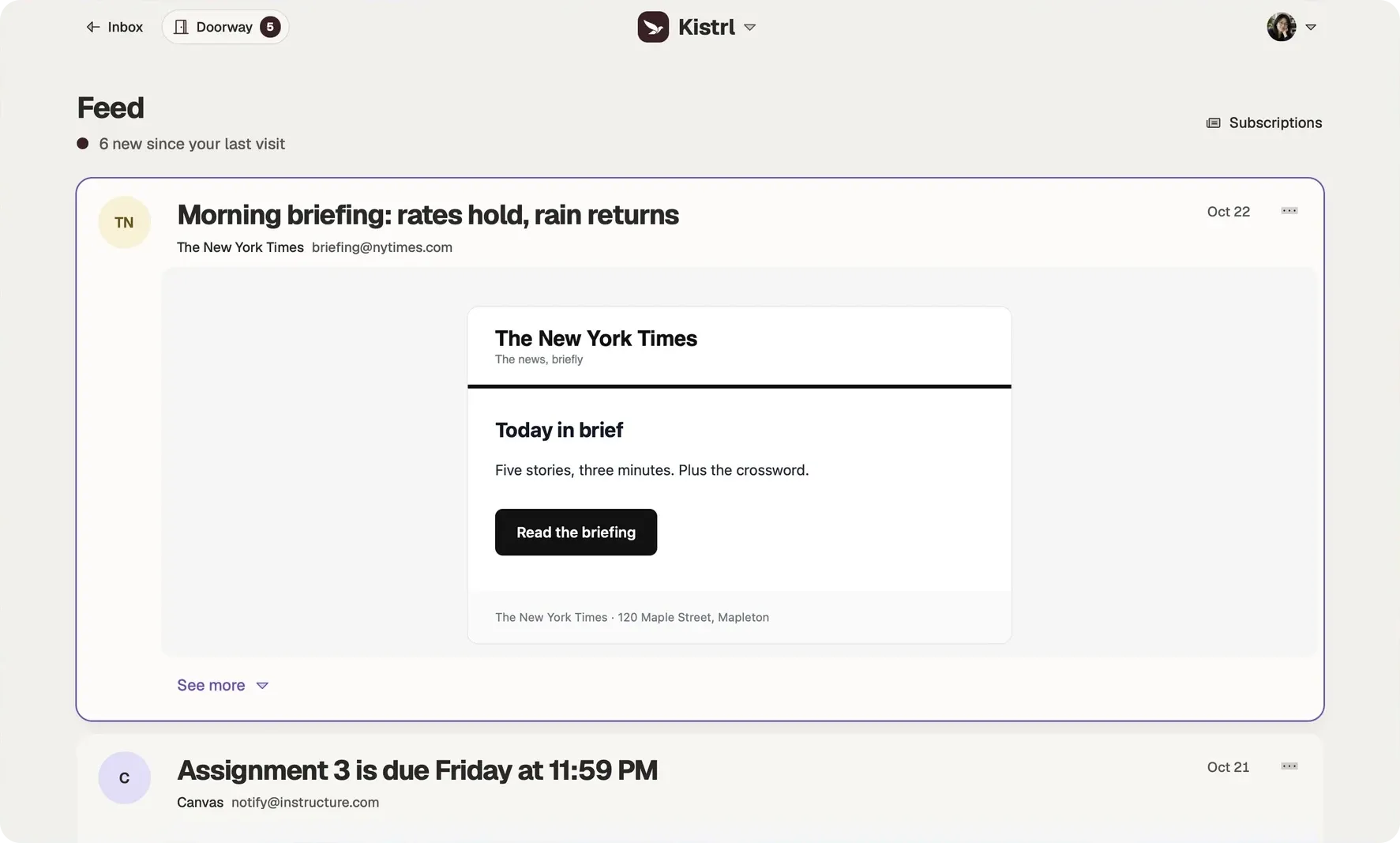
When a newsletter first writes to you, it waits at the Doorway. Choose Feed, and every issue from that sender goes to the Feed from then on.
In the Feed, newsletters arrive already open as reading cards. Choose Show more to read a whole issue in place, filter by source, and see how many are new since your last visit. Nothing in the Feed asks for a reply.
Recycling deletes Feed mail after the age you choose, or you can set a rule for one sender: a month for a shop, forever for the writer you keep.
The same account. Three different kinds of attention.
Sam’s interview update needs an answer, so it belongs in the Inbox. A New York Times briefing can wait for reading time. An Instacart delivery confirmation is there when it is needed.
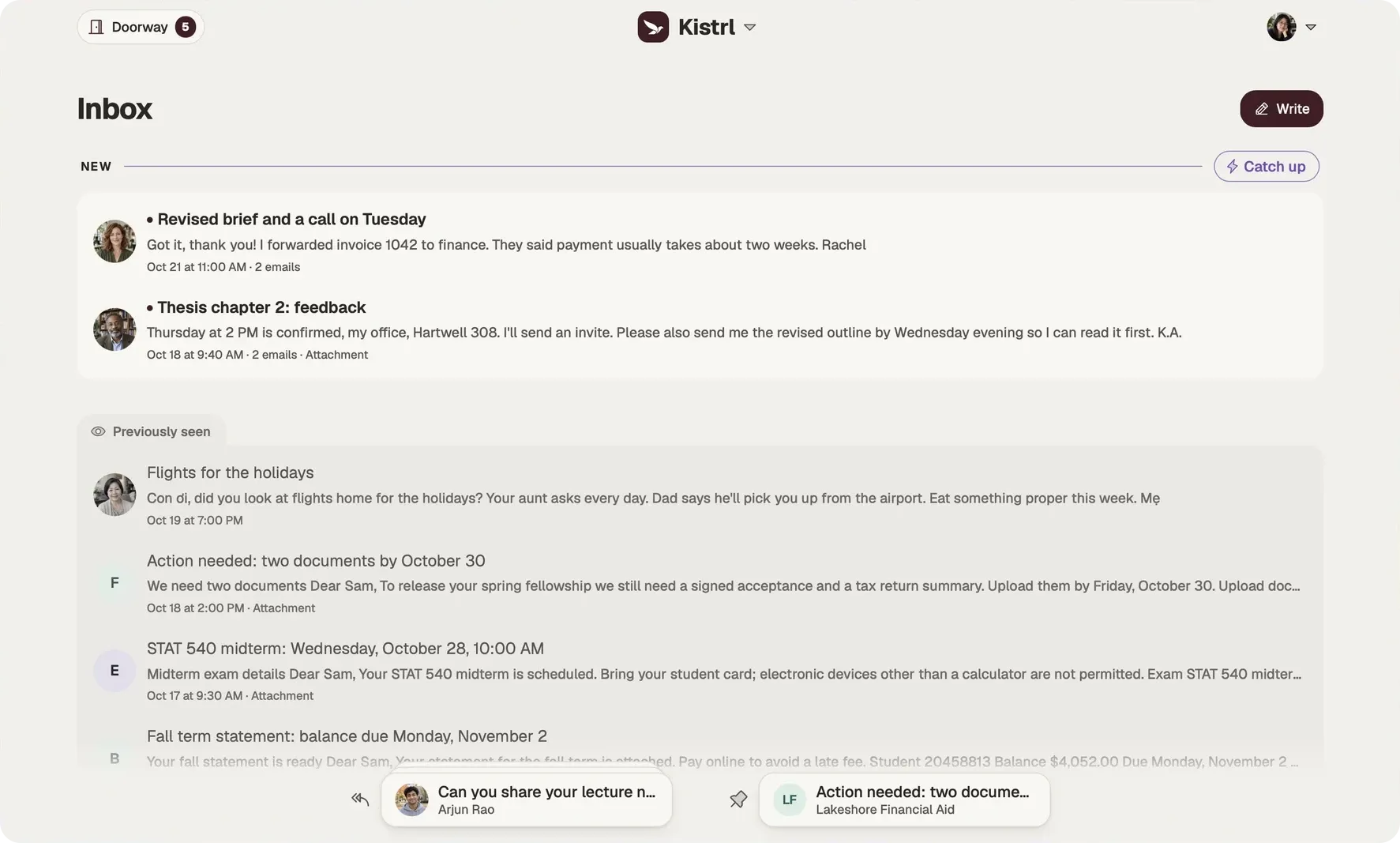
Answer in Inbox.
Conversations and the matters that need Sam stay together, including the update moving Sam’s interview.
Read in Feed.
Newsletters and updates open as reading cards, without joining the reply queue.
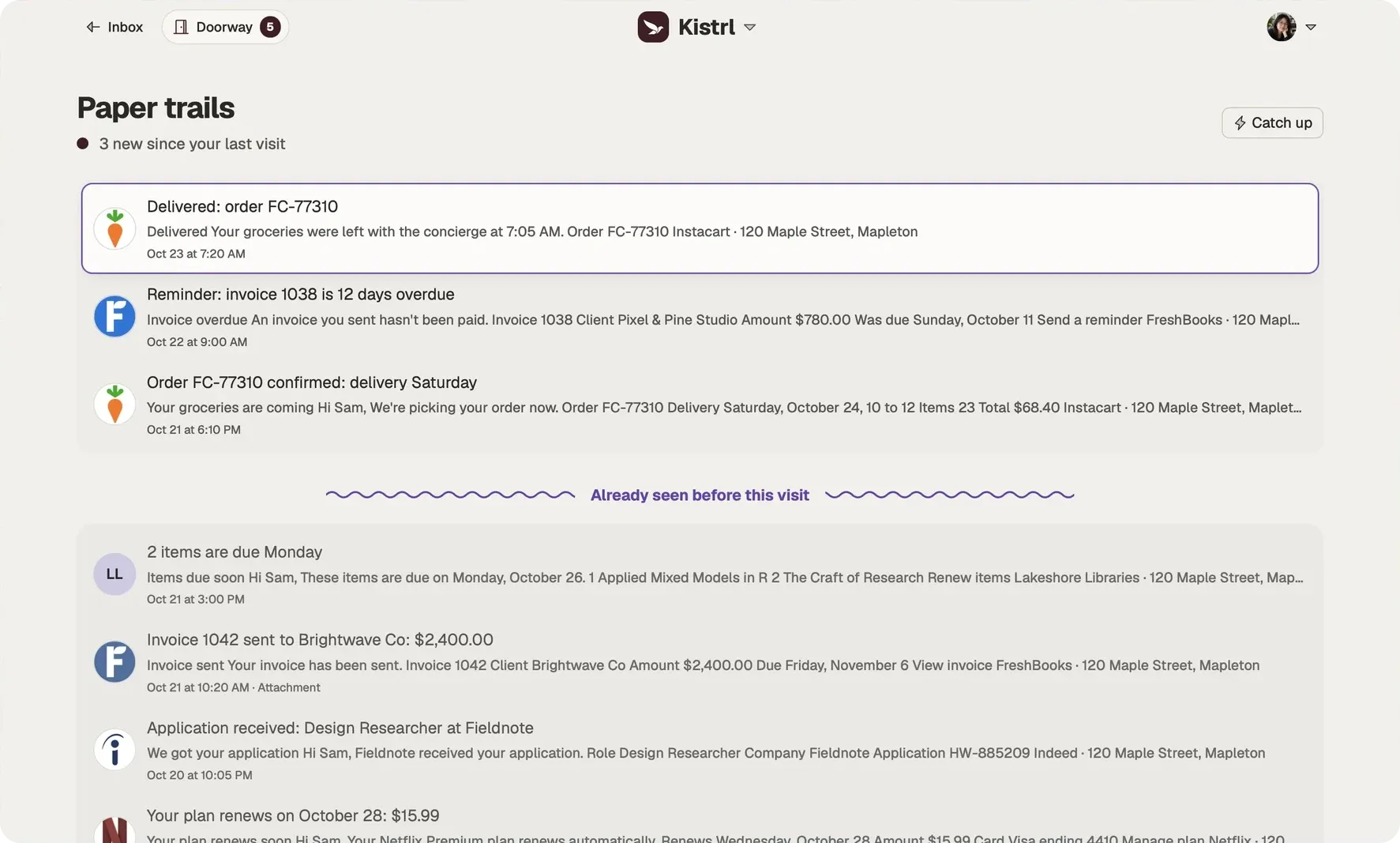
Find a record in Paper trails.
Receipts, invoices and delivery notices remain available without filling the Inbox.