One app for all of it, on every device.
Kistrl works in your browser and installs on Mac, Windows and Linux. Wherever you open it, your mail, calendar, tasks, notes, website, habits and files are already there.
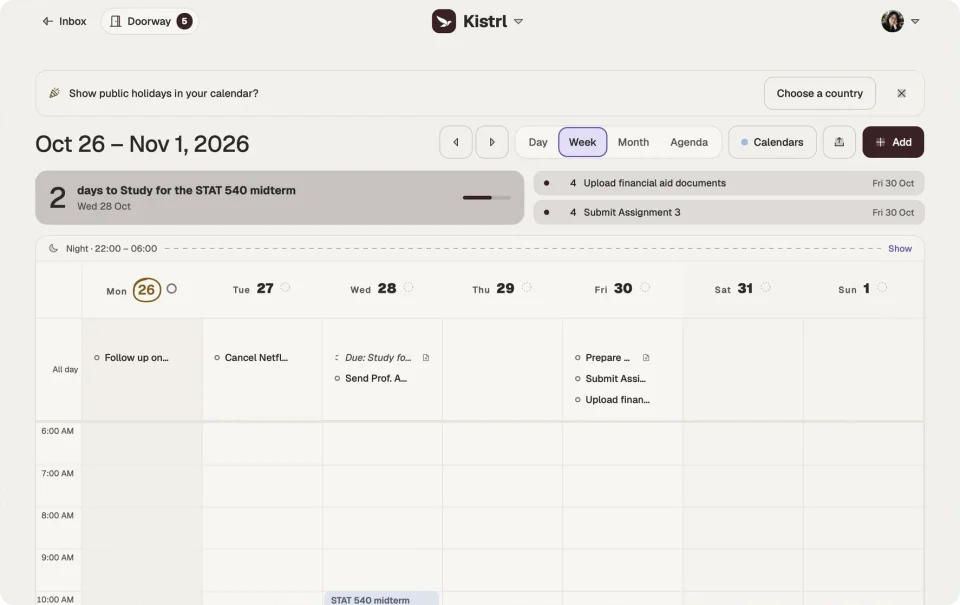
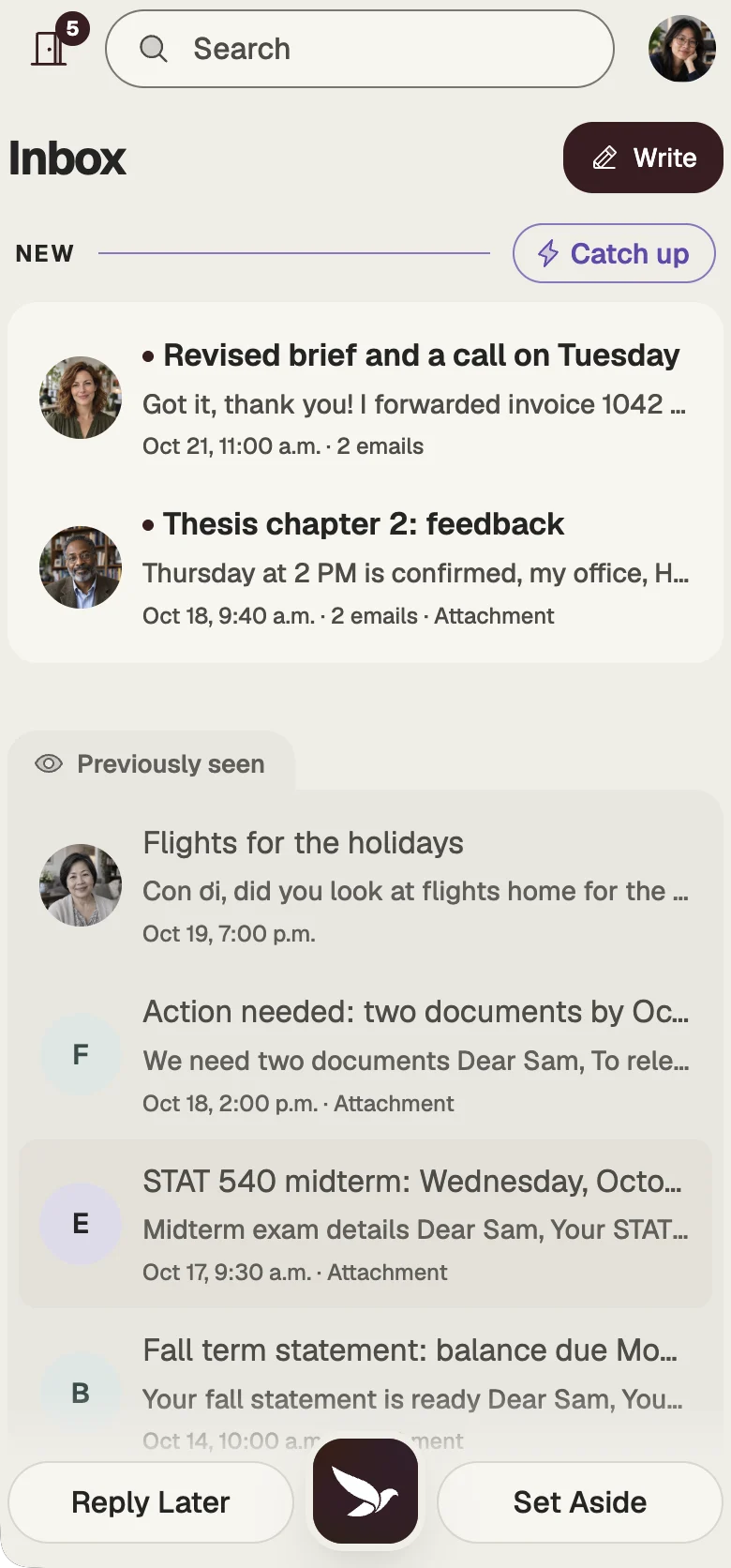
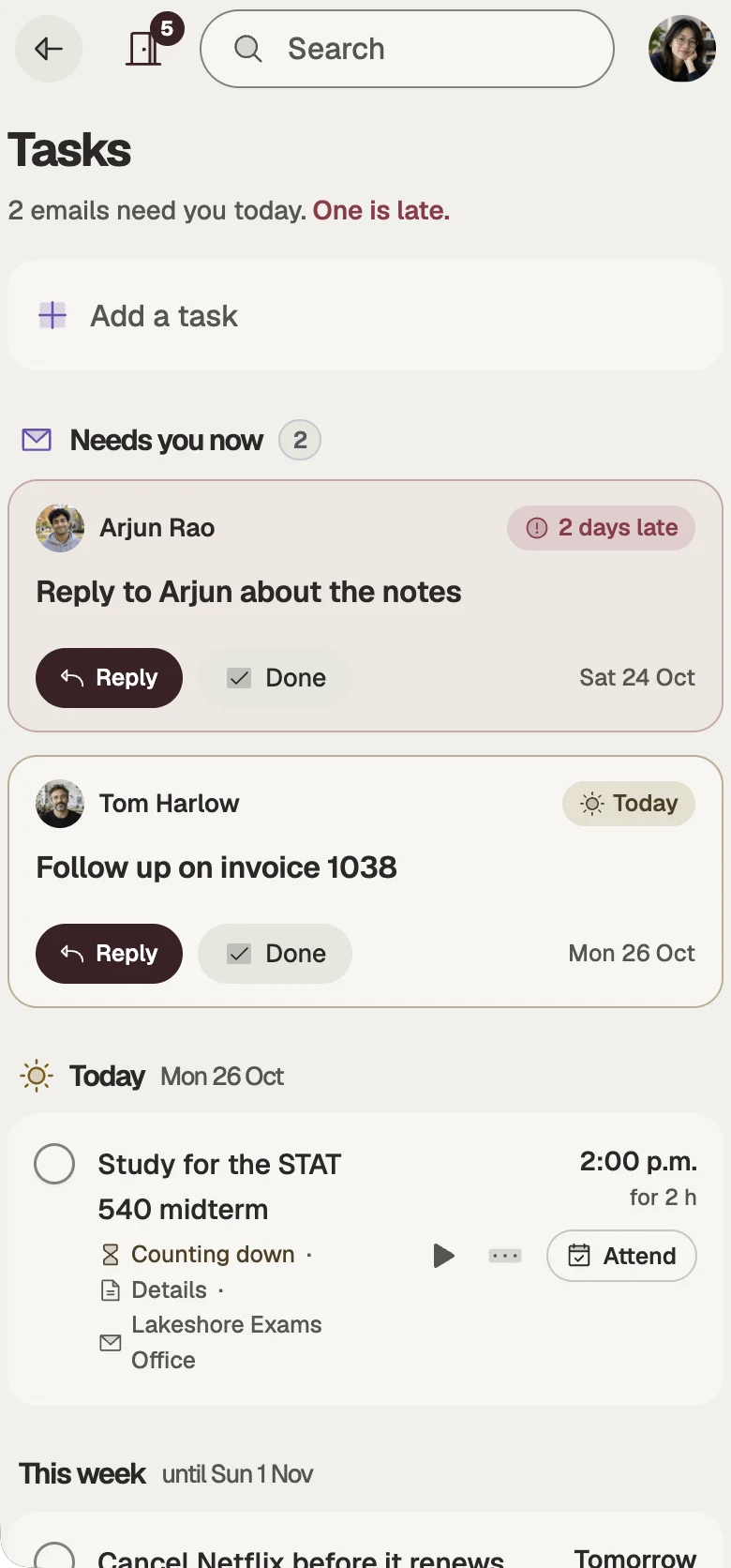
Not an email app with extras. One app with everything.
No separate calendar to install, no notes app to keep in sync, no website builder to sign up for. Every place shares one account, one search and one address.
- MailScreen new senders, sort what arrives, answer when you are ready.
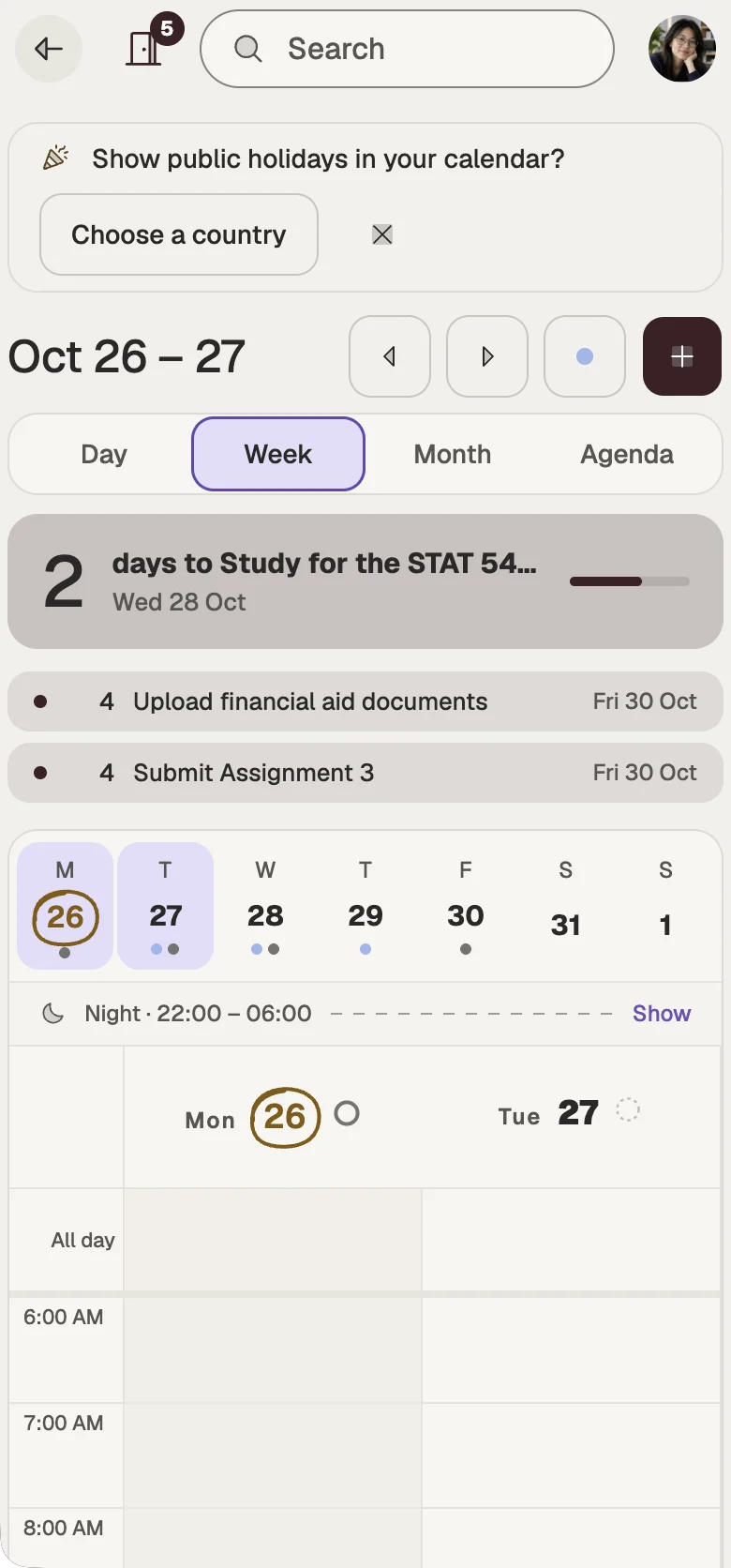
- CalendarEvents, countdowns, holidays and the time you track.
- TasksA to-do list you plan onto days and time blocks.
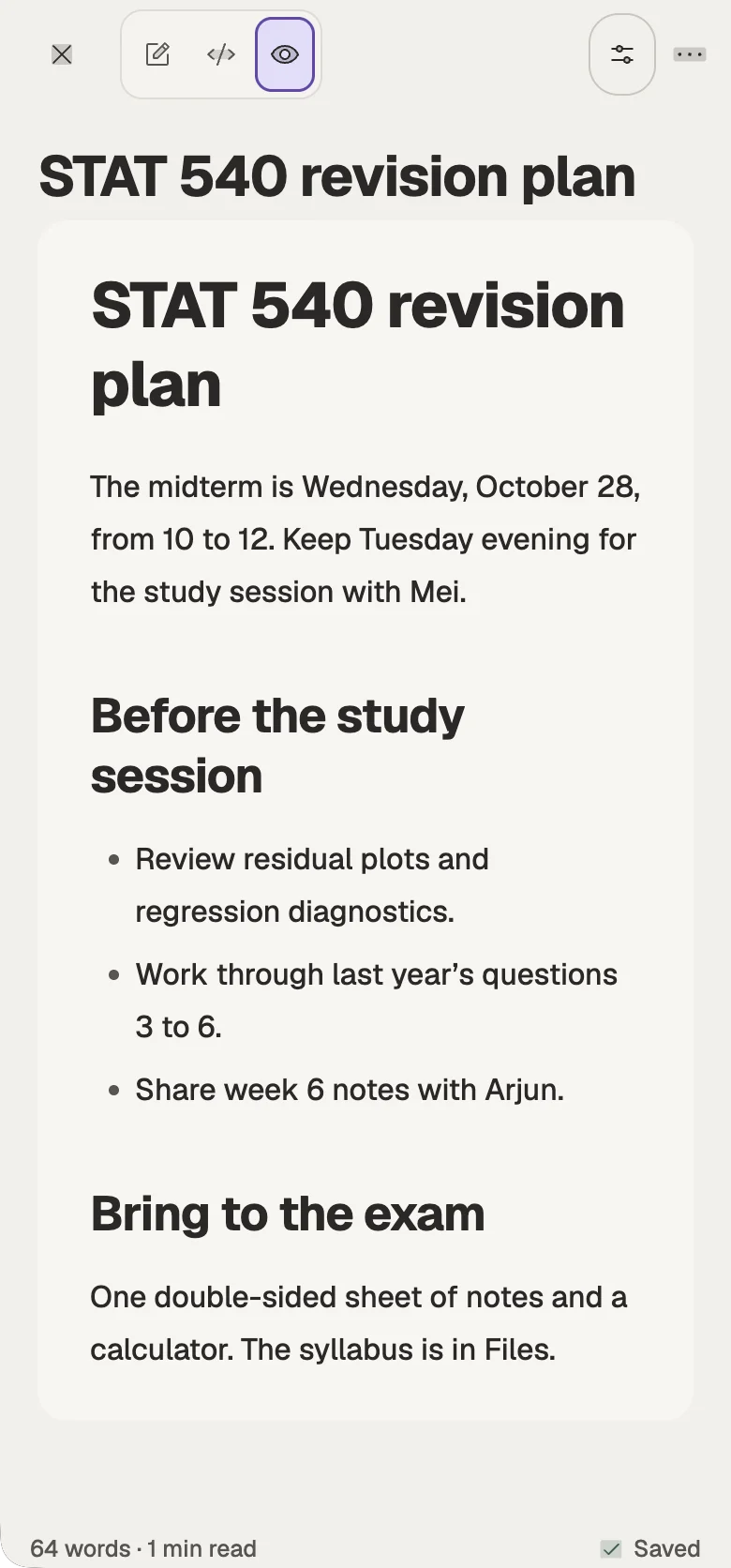
- NotesPlain Markdown, a daily journal and version history.
- WebsitePublish pages and posts straight from your notes.
- HabitsCount good weeks, not perfect streaks.
- FilesEvery attachment and your own files, searchable.
- AI, if you want itOff until you turn it on. Then it sorts mail and helps you write.
On your computer
Kistrl in its own window, beside the other apps you work in. Notifications make a sound, email links open in Kistrl, and every action has a keyboard shortcut. It keeps itself up to date.
For Macs with Apple silicon, Windows 10 and 11, and 64-bit Linux.
All downloads and checksums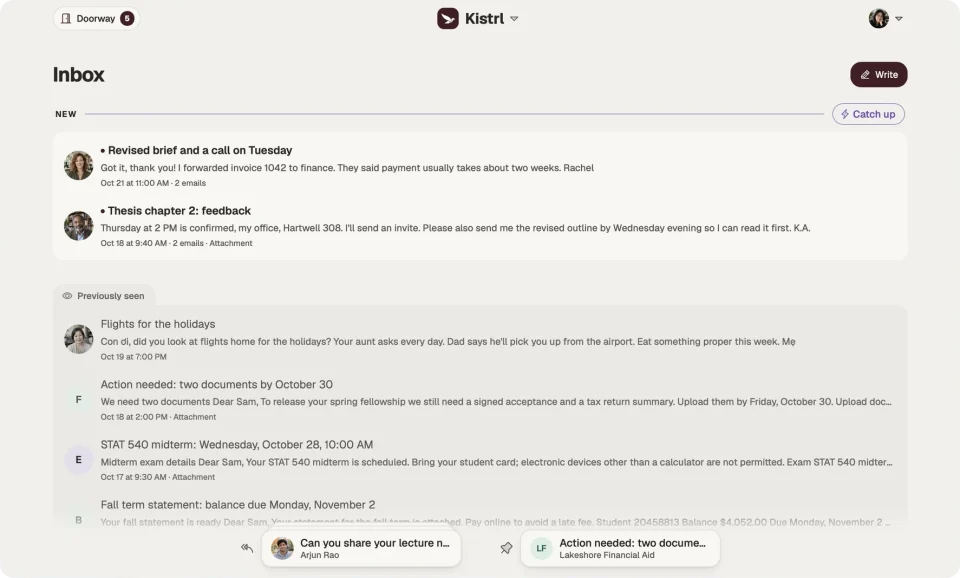
On your phone
Get Kistrl for iPhone and Android from the App Store or Google Play. You can also open Kistrl in your phone’s browser and add it to your Home Screen: it opens full screen, like an app.
In your browser
Kistrl works in any up-to-date browser, on any computer. Nothing to install: sign in, and everything is there.
The same Kistrl everywhere
Every device opens the same account, so nothing waits to be copied from one to another.
Always in step
Read a message on your phone and it is read on your computer. A task you tick off is done everywhere.
Readable offline
Keep recent mail and its attachments on a device, and read and search them without a connection. Drafts you write offline synchronise when you reconnect.
A sign-in that stays yours
Add an authenticator app, and signing in on any device asks for a code as well as your password.
Start your 30-day free trial
Pick a username and it becomes your Kistrl address. No card needed.