One account, from the first email to the end of the day.
Mail, calendar, tasks, notes, habits and files share one account and one address. Here is how a single email can become a timeline, a to-do, a planned hour and a line in your journal.
It starts with an email
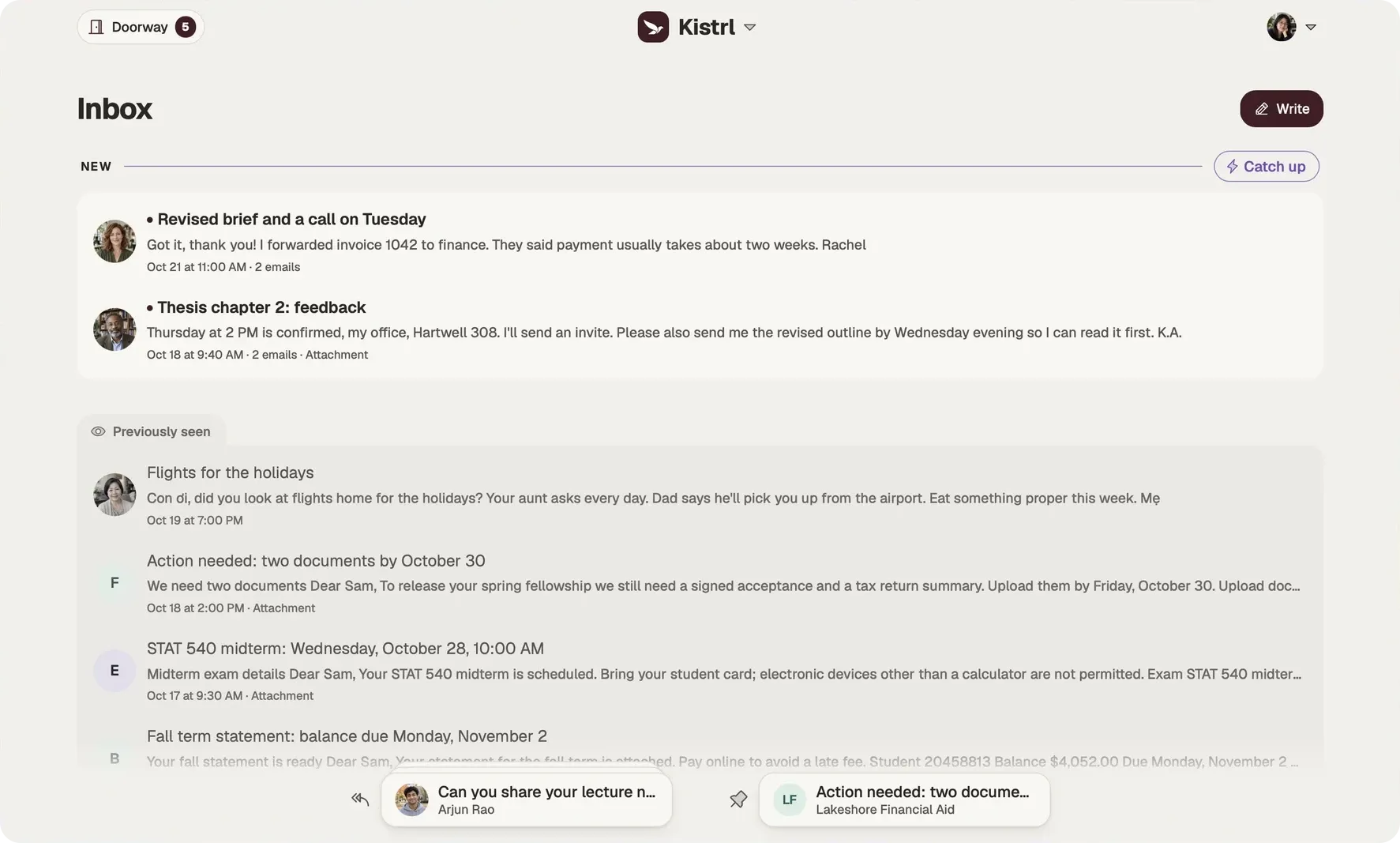
A new sender writes. Their mail waits at the Doorway until you let them in, and from then on it lands in the place you chose: a conversation or an important matter in the Inbox, a newsletter in the Feed, a receipt in Paper trails. Its attachments are already in Files.
A deadline becomes a plan
The email asks for a form by Friday. With organizing on, it becomes a to-do linked back to the message. Drop the task on Thursday morning, give a bigger deadline a countdown on the calendar, or make it an event when it needs a real slot.
The day keeps its own record
Start a timer from the task and tracked time remembers where the hours went. Tick a habit on the way. At the end of the day, today’s journal entry is one click away, and a note worth sharing can become a page on your own website.
One search, one agent
Search reaches your mail, your files and your journal. Connect the AI agent you already use over MCP, and it can work across all of it with the access you choose, without ever sending mail or deleting anything.
One address, kept private
All of it lives in one account under your own Kistrl address, with privacy addresses for everything you do not want tied to it, and sealed messages for mail from strangers.
The same account. Three different kinds of attention.
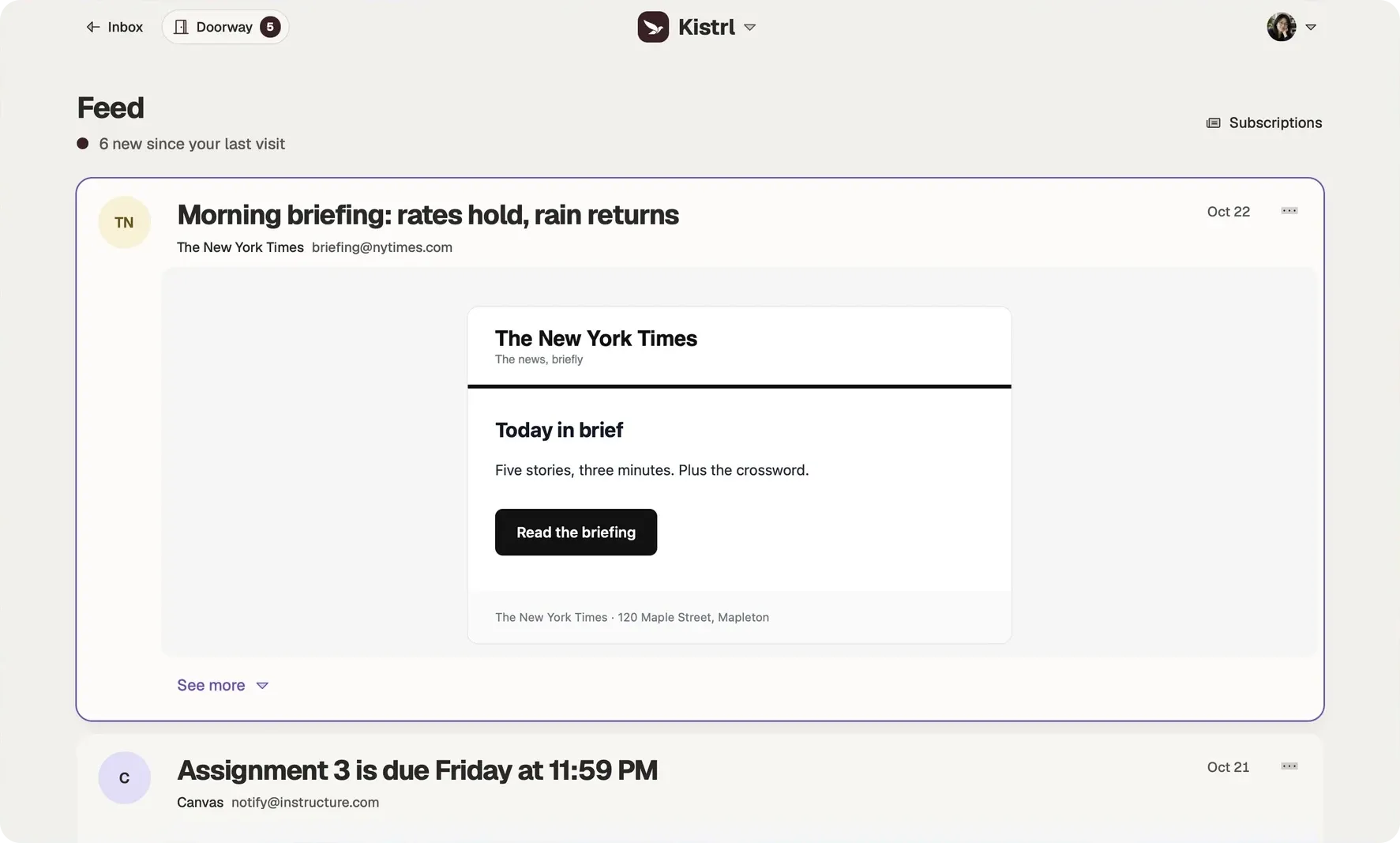
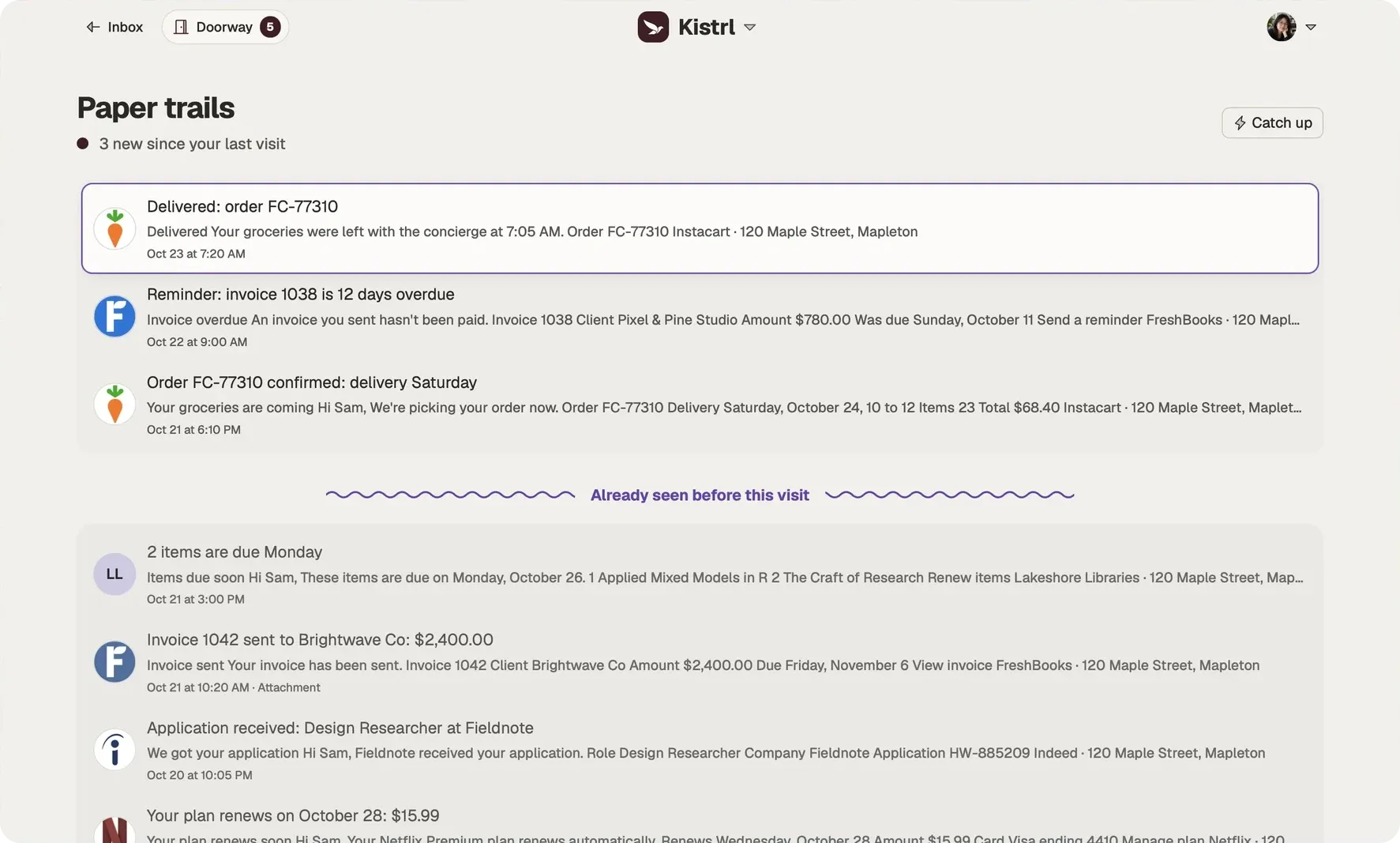
Sam’s interview update needs an answer, so it belongs in the Inbox. A New York Times briefing can wait for reading time. An Instacart delivery confirmation is there when it is needed.
Answer in Inbox.
Conversations and the matters that need Sam stay together, including the update moving Sam’s interview.
Read in Feed.
Newsletters and updates open as reading cards, without joining the reply queue.
Find a record in Paper trails.
Receipts, invoices and delivery notices remain available without filling the Inbox.
A tour of the three places
Questions
Do I need separate apps for calendar, tasks and notes?
No. One Kistrl account holds your mail, calendar, tasks, habits, notes and files, under your own address.
Does everything need AI?
No. Every part works without AI. With organizing on, Kistrl also links mail into timelines and turns deadlines into to-dos.
One account for the whole day.
Pick a username and it becomes your Kistrl address. No card needed.