Notes in plain Markdown, with a website when you want one.
Write in Markdown, keep a journal one note a day, step back through versions, import and export your files, and publish pages and posts to a website of your own.
Markdown you own
Notes are plain Markdown in folders: no proprietary format, nothing to convert when you leave. Links between notes stay correct when you move or rename a file.
A journal, one note a day
The journal keeps one note per day in its own folder. Write today’s entry, and come back to any day by its date. Search covers the words of every entry. Entries are ordinary notes, so search, history and export already cover them.
Version history
Every note keeps its version history. Look back at what it said, and restore an earlier version if a change went wrong.
Import and export
Bring your notes with you: import a ZIP or a folder of Markdown and attachments. Existing paths are never overwritten. Export everything as a Markdown ZIP whenever you like.
Publish a website
Put pages and posts in your site folder. Each stays private until you choose Publish, and Kistrl builds your website from them. Choose its address before your first publication; publish again to update it.
Help when you ask
With AI assistance on, select words and ask for a suggestion: only the words you chose change, and only if you accept. Reflect asks one question about what you wrote and leaves your writing untouched.
Give the things you want to remember a home.
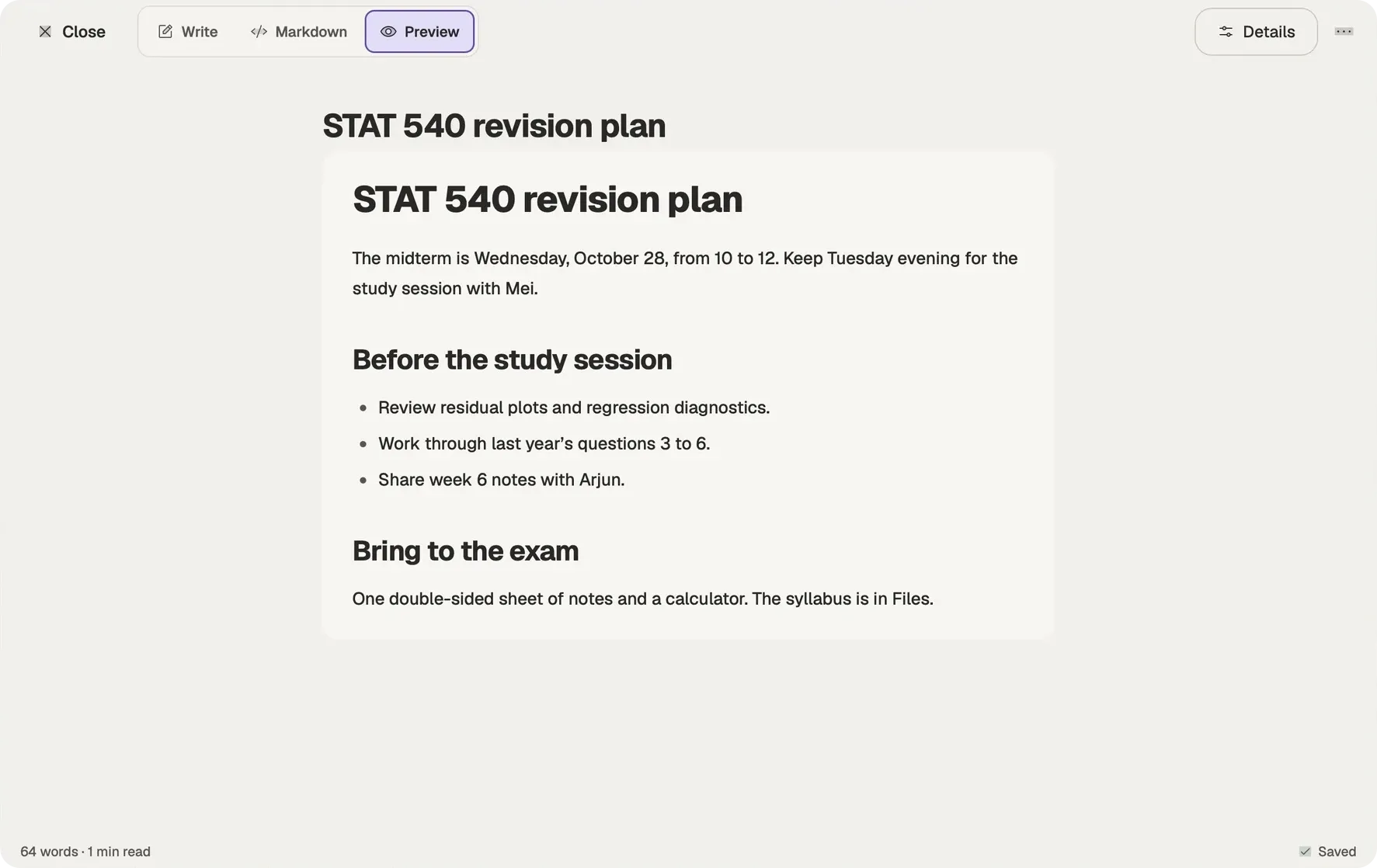
Sam’s revision plan brings the midterm, the study session with Mei and the notes owed to Arjun into one private page. Notes and the Journal keep your own writing alongside the rest of the account.
Keep a note.
Write something you want to find again, with its own name and place.
Return to the day.
The Journal keeps a day’s writing together.
Publish deliberately.
Publishing is a separate choice; private notes do not become public by being written.
From a note to something worth keeping
Questions
What format are notes in?
Plain Markdown, in folders. You can import a ZIP or a folder of Markdown and attachments, and export everything as a Markdown ZIP.
What is the journal?
One note a day, kept with your notes in the journal folder. Entries are ordinary notes, so search, history and export cover them too.
How does publishing work?
Pages and posts in your site folder stay private until you choose Publish. Kistrl then builds your website. Choose its address before your first publication; it becomes fixed once you publish.
Can I get an earlier version back?
Yes. Every note keeps a version history you can restore from.
Write notes. Publish a website when you want one.
Pick a username and it becomes your Kistrl address. No card needed.