One address per shop: how to stop spam where it starts
Giving every shop and sign-up its own address helps you trace unwanted mail, and lets you cut off one source without changing the address your friends use.
You gave your address to a shop to get a receipt. A year later you get mail from three companies you have never heard of. Somewhere along the way your address was shared, sold or leaked, and there is no way to tell where, or to take it back.
The fix is simple to describe: never give the same address twice.
Why one address per service works
When each service gets its own address, three things change.
You can trace the exposed address. If strangers write to the address you gave the bike shop, you know which address was exposed. That is a useful clue, though it does not prove who shared it.
You can cut off one source. Block that one address, and the spam stops, without touching the address your friends, your bank and your employer use.
Phishing gets easier to spot. A message claiming to be your bank that arrives at the address you gave a furniture shop is a warning sign. Verify it independently through the bank’s app or a known address.
Two ways to do it
Plus addressing, also called subaddressing, adds a tag to your normal address: yourname+bikeshop. It needs no setup and works with many providers. The drawback is that the real address is easy to guess: anyone can remove the tag. Some sign-up forms also reject the plus sign.
Aliases, sometimes called masked or privacy addresses, are separate addresses that deliver to the same mailbox. A random alias does not reveal your username at all, so it cannot be turned back into your main address. You can block or delete it on its own.
A good rule of thumb: use tags for things you are happy to have linked to you, and random aliases for everything else.
A habit that takes ten seconds
- When a form asks for an email, make a new address for it.
- Label it with the service’s name, so you remember later.
- When unwanted mail arrives at it, block it.
In Kistrl
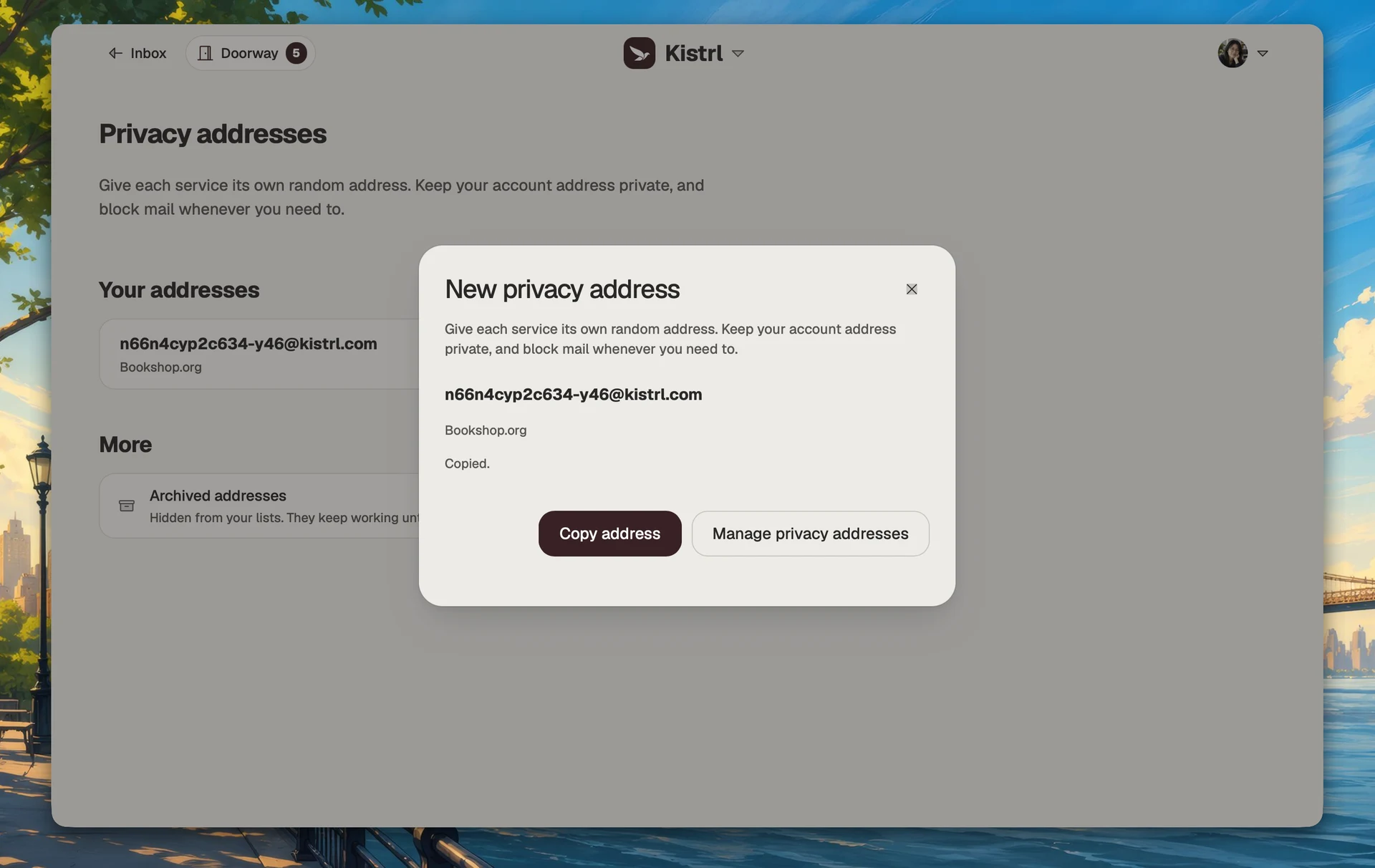
Kistrl has both. Topic addresses work without setup: put +topic, -topic or .topic after your username. Privacy addresses are random, carry a private label, and can be blocked, cancelled or archived. A cancelled address is never given to anyone else. See Addresses.
Keep a service separate from your main address.
Use a privacy address for a new sign-up and give it a private label. It still reaches the same account, while the service does not receive your main username.
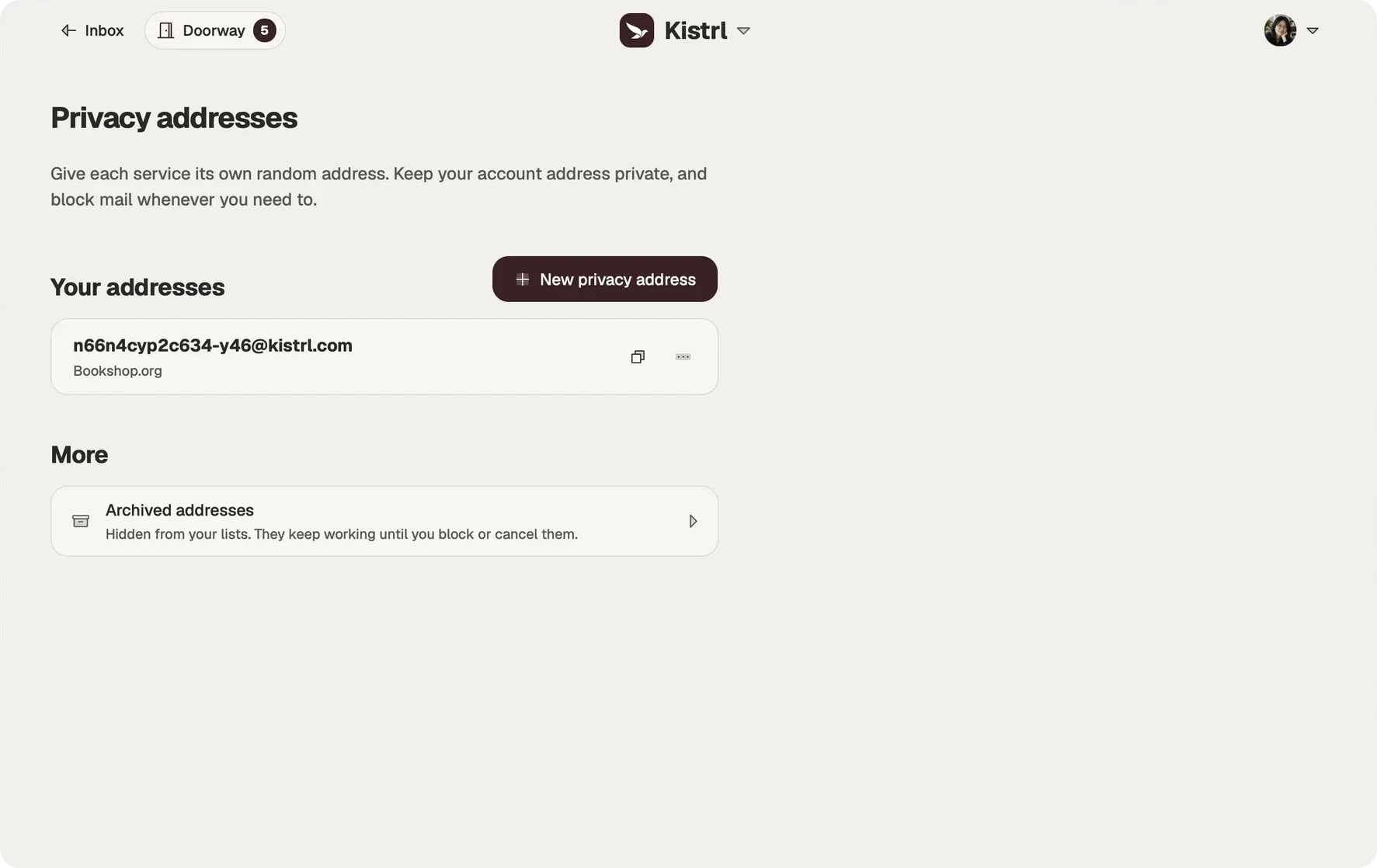
Create one for the service.
Generate a privacy address when a form asks for an email address.
Remember what it is for.
A private label identifies the service without becoming part of the address.
Control it independently.
Block unwanted arrivals to that address without changing the one people already know.