Who leaked my email address? How to find out which service shared it
With one address for everything, you cannot tell where spam got your address. Give each service its own address, and the address a message arrives at tells you which one was exposed.
Spam arrives from a company you have never dealt with. It uses your real name. You wonder who gave them your address: the airline, the food delivery app, the forum you joined years ago?
With one address for everything, there is no way to know. Every service has the same address, so every service is a suspect.
The method: one address per service
The fix works from today forward. Each time a form asks for your email, give it an address that no other service has.
Later, when unwanted mail arrives, look at the To line. If a stranger writes to the address you gave only to a shoe shop, you know which address got out.
There are two ways to make these addresses.
- Tagged addresses add a word to your normal address, such as
yourname+shoes. They need no setup. The weakness is that anyone can remove the tag and get your real address. - Aliases are separate addresses that deliver to your mailbox. A random alias does not contain your name, so it cannot be turned back into your main address.
What the result tells you, and what it does not
A message at the wrong address is a strong clue. It is not proof of what happened. There are several explanations.
- The service shared it. Many privacy policies allow sharing with “partners”. This is often legal, and you may have agreed to it.
- The service was breached. Someone copied its customer list. The service may not know yet.
- A supplier of the service leaked it. The company that sends its newsletters or handles its payments also holds your address.
- Someone guessed it. This is possible for a tagged address and very unlikely for a random alias.
So you can say “the address I gave this service was exposed”. You cannot say “this service sold my data” without more evidence.
What to do when an address is exposed
- Block or close that address. The unwanted mail stops, and your other addresses are not affected.
- Change your password at that service. If the cause was a breach, the password may be exposed too.
- Be careful with mail that names that service. Phishing often follows a breach. Go to the service’s site yourself and do not use links in the message.
- Ask the service. In the European Union and the United Kingdom, you can ask a company which recipients it gave your personal data to. The request is free in most cases, and the company has one month to answer. In the European Union, it must name the actual recipients when it can, not only the kind of company. Some other places have similar rules.
- Give the service a new address if you still want to use it.
For the address that is already everywhere
This method cannot look backward. For an address you have used for years, a breach lookup service such as Have I Been Pwned can tell you which known breaches included it. It cannot tell you about sharing between companies.
Move your important accounts to new addresses a few at a time. Start with shops and sign-ups, where most leaks begin.
In Kistrl
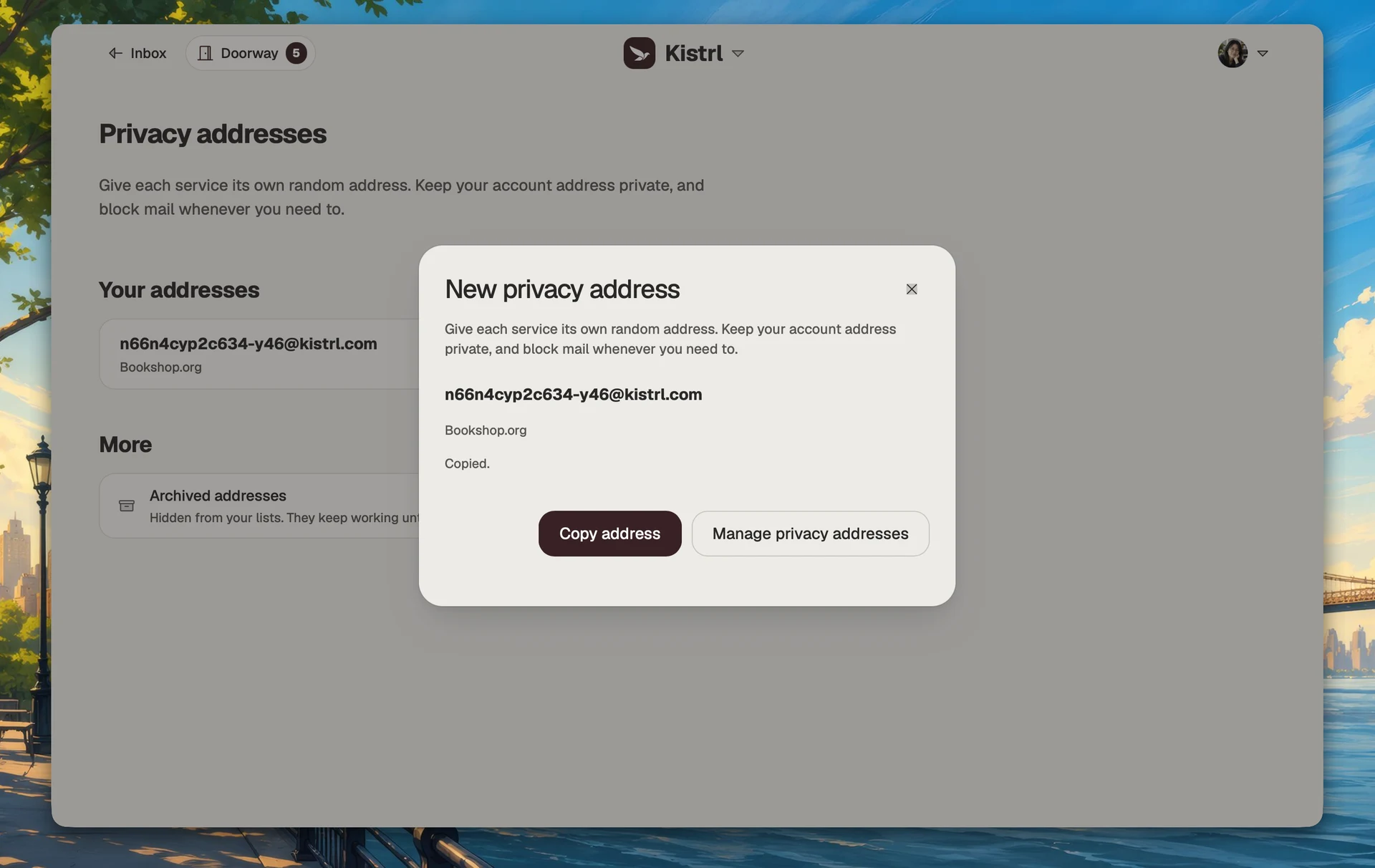
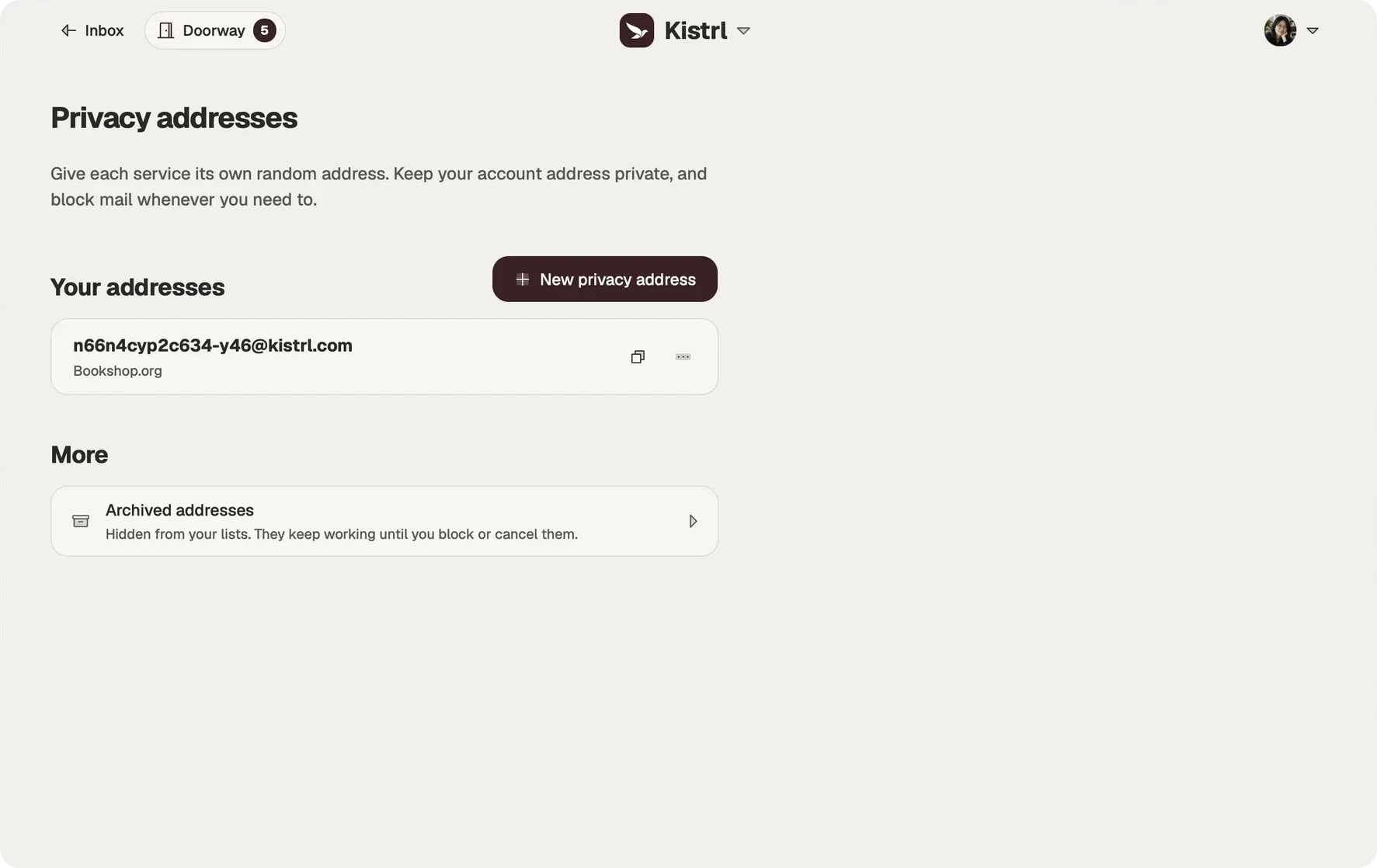
Kistrl gives you both kinds of address. Topic addresses need no setup: put +topic, -topic or .topic after your username. Privacy addresses are random and do not reveal your username. Each one carries a private label, so you remember which service has it.
When one starts to receive spam, Block stops mail to it, and Cancel closes it permanently. A cancelled address is never given to anyone else. See Addresses.
Keep a service separate from your main address.
Use a privacy address for a new sign-up and give it a private label. It still reaches the same account, while the service does not receive your main username.
Create one for the service.
Generate a privacy address when a form asks for an email address.
Remember what it is for.
A private label identifies the service without becoming part of the address.
Control it independently.
Block unwanted arrivals to that address without changing the one people already know.