People, newsletters and receipts: sorting email by what it asks of you
Folders sort mail by topic. A better question is what each message wants from you, because that decides when and how you should deal with it.
Most advice about organising email starts with folders: one for work, one for travel, one for the house. It sounds tidy, but it sorts mail by what it is about. The trouble is that two messages about the same trip can ask completely different things of you. The friend asking which train you are taking wants an answer. The booking confirmation wants nothing until the day you board.
Sorting by what a message asks of you works better, because that is what decides when you should look at it.
Three kinds of mail
Almost everything that arrives falls into one of three groups.
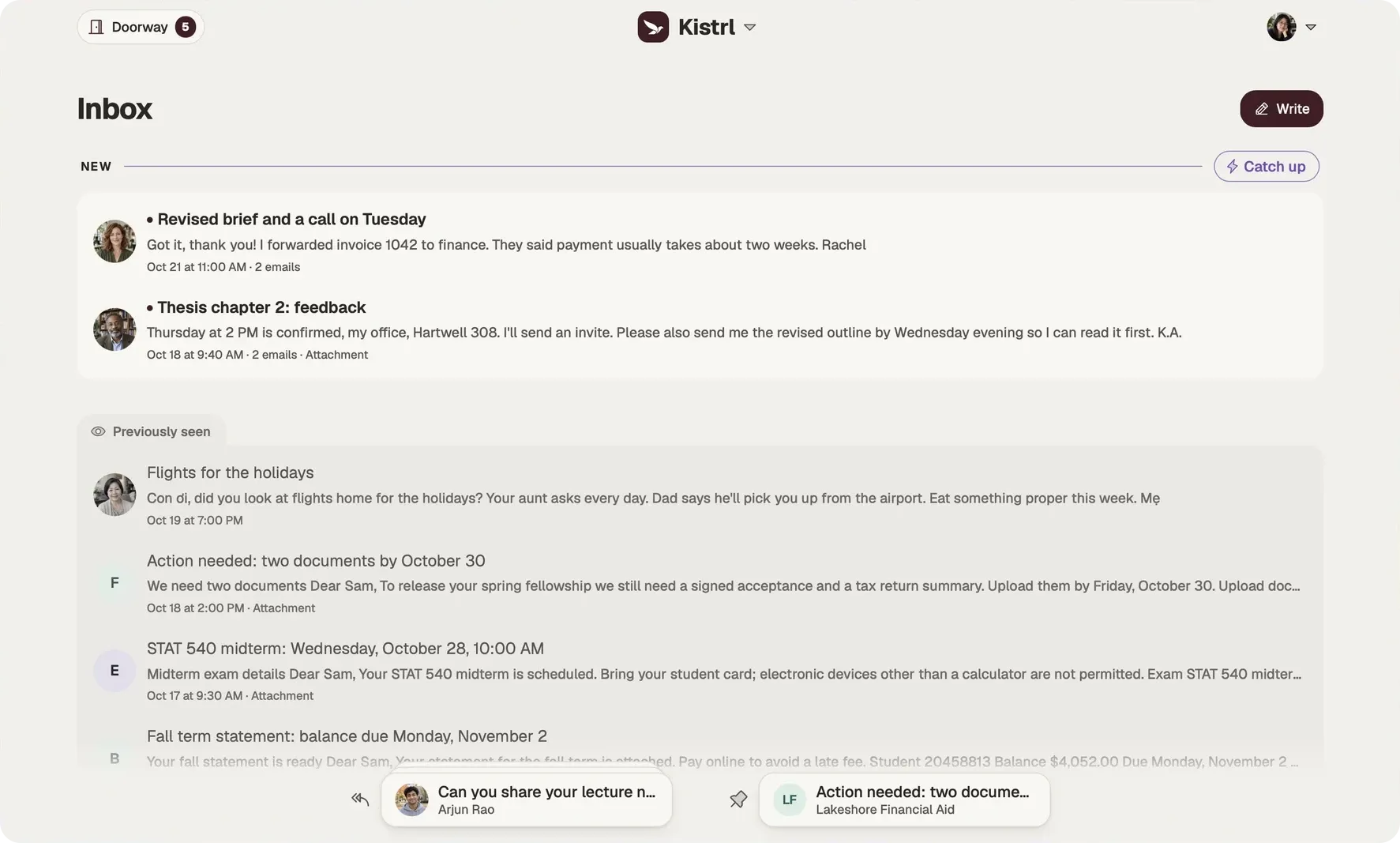
Conversations. Mail from people, written to you, that may need an answer. This is the mail that matters most and the mail that gets buried first.
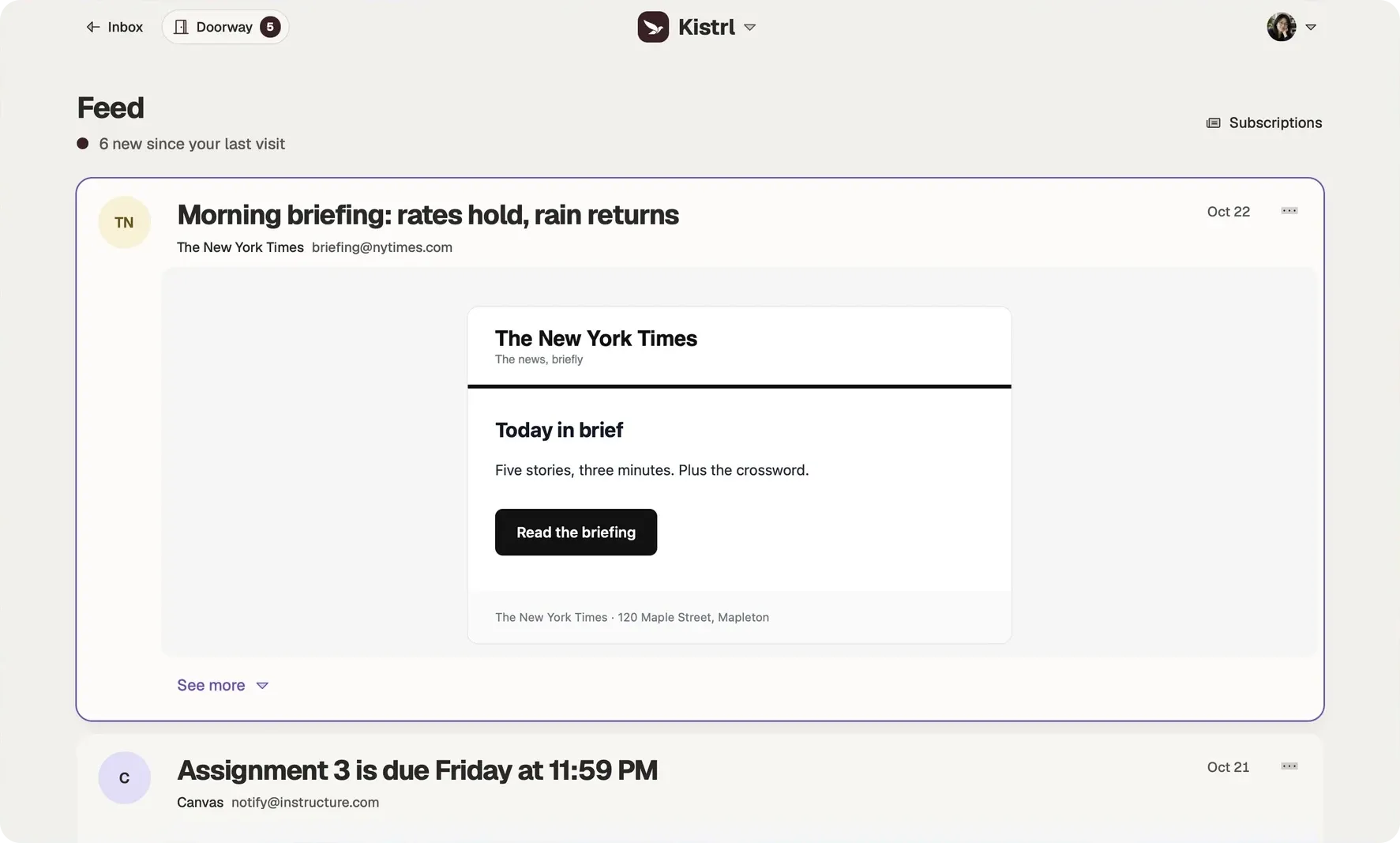
Reading. Newsletters, updates, announcements. You chose to receive them, but nothing in them needs a reply. They are better read in a batch, when you have the attention for them.
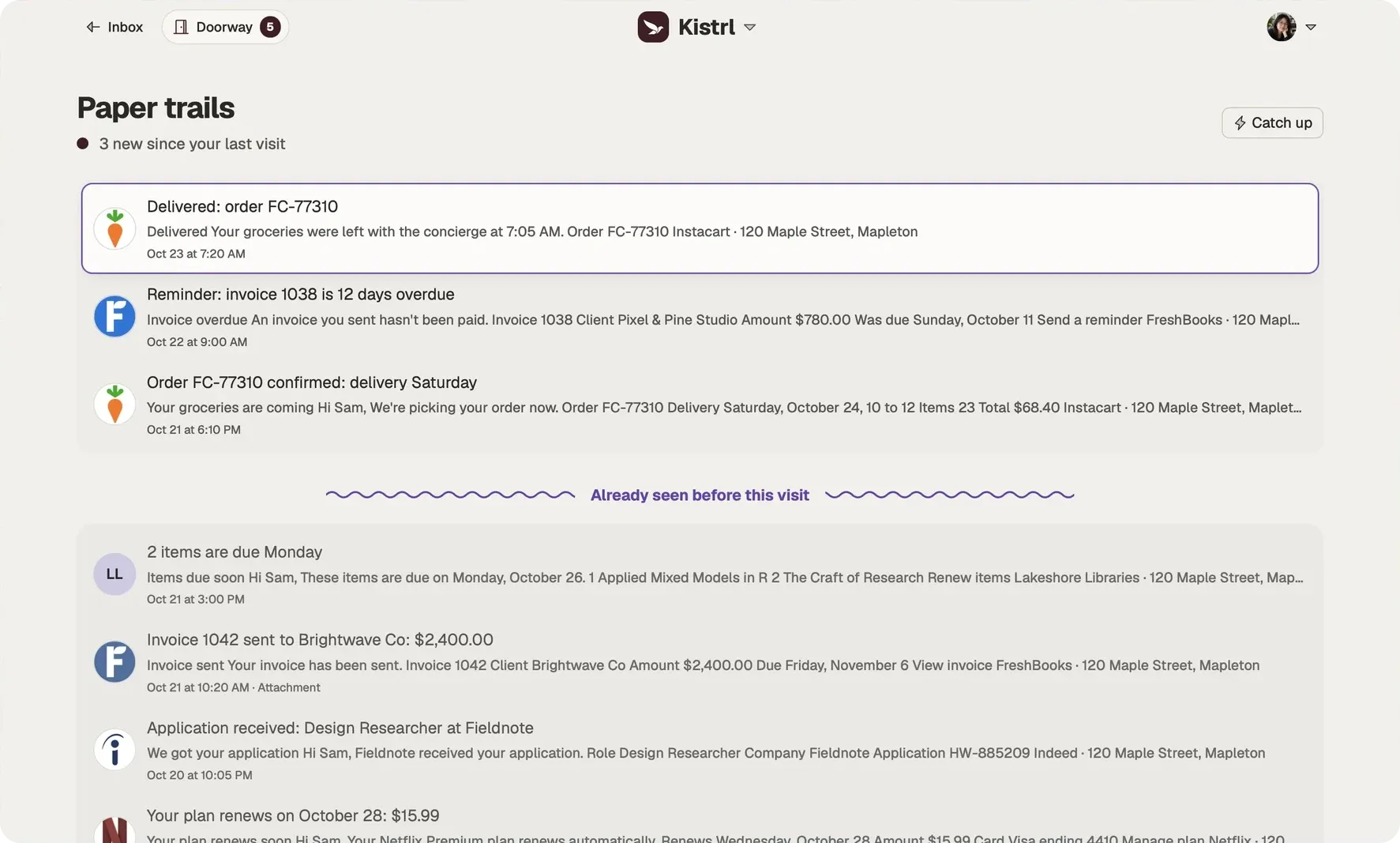
Records. Receipts, confirmations, statements, notices. You almost never read them when they arrive. You need them later: to check an order number, find a ticket, or prove a payment.
Why mixing them hurts
When all three share one list, each one is handled badly. Conversations get lost between promotions. Newsletters pile up and start to feel like obligations. Receipts get archived with everything else and are hard to find when you need them. A single unread count mixes “your friend is waiting” with “a shop has a sale”, so the number stops meaning anything.
Decide once, per sender
The practical trick is to sort by sender rather than message by message. A sender almost always writes the same kind of mail: your colleague writes conversations, the airline writes records, the magazine writes reading. Decide where a sender belongs the first time they write, and every later message sorts itself.
Give each kind its own rhythm
- Check conversations often, and answer or mark what needs an answer.
- Read in a batch, once a day or once a week, with no pressure to finish.
- Leave records alone until you need one, then search.
This is also what makes approaches like inbox zero sustainable: an empty list of conversations is reachable, but an empty list of everything is not.
In Kistrl
Kistrl has a place for each: the Inbox for conversations and anything else that needs you, the Feed for reading and Paper trails for records. You choose one per sender at the Doorway, and each place works the way that mail deserves. See Inbox, Feed and Paper trails.
The same account. Three different kinds of attention.
Sam’s interview update needs an answer, so it belongs in the Inbox. A New York Times briefing can wait for reading time. An Instacart delivery confirmation is there when it is needed.
Answer in Inbox.
Conversations and the matters that need Sam stay together, including the update moving Sam’s interview.
Read in Feed.
Newsletters and updates open as reading cards, without joining the reply queue.
Find a record in Paper trails.
Receipts, invoices and delivery notices remain available without filling the Inbox.